Printify is a print-on-demand platform that connects your online store with providers that print and ship custom products. You add a design to an item, publish the listing, and arrange fulfillment when someone orders. This lets you test a product idea without purchasing a batch of finished stock.
This beginner’s guide explains how Printify works, how it fits with Shopify, and what to check before launching. It is a researched overview, not a claim that we have personally tested every product or provider.
What is Printify?
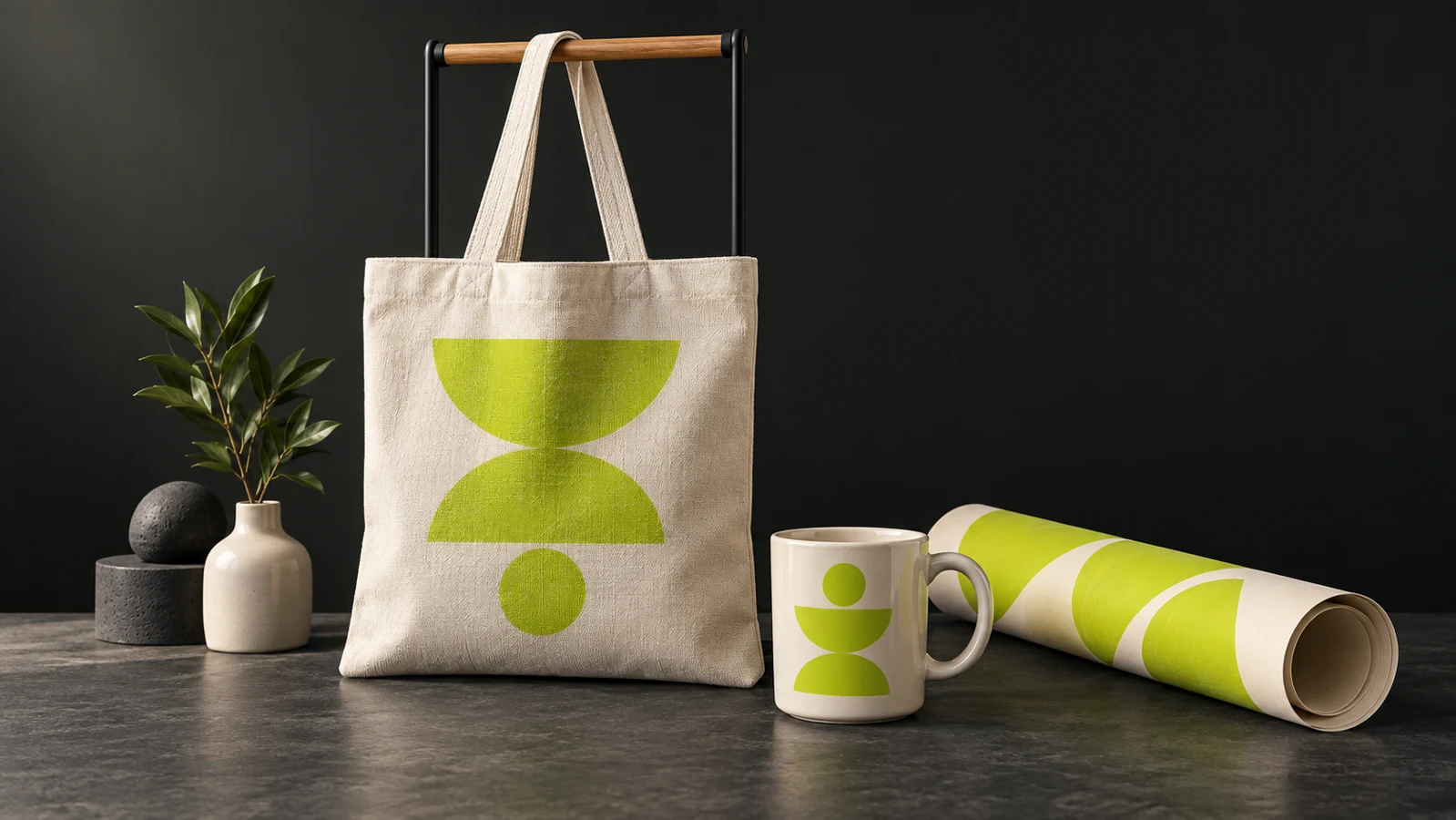
Printify helps sellers create custom products such as shirts, mugs, tote bags, and posters. Its Product Creator lets you place artwork on a product, while integrations connect listings and orders with sales channels such as Shopify and Etsy.
Printify works with a network of print providers. The provider or fulfillment option you choose matters because product availability, production, and shipping can differ. Think of the platform as the connection between your designs, storefront, and production partners.
You still decide who the product is for, how to present it, and how to attract customers. Printify can support fulfillment; it does not validate your idea or guarantee sales.
Explore Printify’s product catalogHow does Printify work?
- Select a product. Choose an item and review its production and shipping options.
- Add your design. Position your artwork in the product’s available print areas.
- Prepare the listing. Choose variants, check mockups, and write accurate product information.
- Connect your store. Publish the product to a supported sales channel.
- Process orders. Production begins according to your approval and payment setup.
- Support the customer. Monitor delivery and respond to questions or problems.
For the wider business model, see our guide to selling on Shopify without inventory. Print on demand is particularly relevant when the design is what makes your product worth buying.
What should you sell first?
Start with one audience and a small, connected collection. For example, an illustrator could test a matching art print and tote bag. A designer creating for a specific hobby could begin with a few shirt designs rather than placing the same graphic on every available product.
| Product idea | What to evaluate |
|---|---|
| T-shirts | Fabric, fit, size range, print placement, and design visibility on each color |
| Tote bags | Dimensions, handle length, material, and the size of the printed area |
| Mugs | Capacity, print orientation, care information, and packaging |
| Posters | Paper, available sizes, artwork resolution, and whether a frame is included |
Our suggestion is to write the listing before expanding the collection. If you cannot explain why someone would choose the item, adding more variants is unlikely to solve the problem.
How to choose a print provider
Compare the complete offer rather than only the lowest displayed production price. Printify’s provider information includes differences such as location, product options, and performance. Shipping to your customer’s country can change the economics substantially.
- Location and delivery coverage: Can the provider serve your intended buyers?
- Product and print options: Are the sizes, colors, and print areas suitable for the design?
- Total delivered cost: What will you pay for the item and shipping together?
- Production estimates: What happens before the carrier receives the parcel?
- Sample quality: Does the finished product meet the expectations set by your listing?
Printify also offers fulfillment options such as Printify Choice, which selects providers for eligible products. If you use an automated selection option, read its current terms and understand how much control you retain over the provider.
Keep a simple comparison sheet for your shortlisted items. Include the product, fulfillment option, sample order date, actual arrival date, and anything you would change. This creates a useful record when you revisit the decision later.
How to use Printify with Shopify
1. Set up your accounts and connect the store
Create your Printify account and your Shopify store. Printify’s official connection guide supports connecting through its store-management flow or installing the Printify app through Shopify. Review the requested permissions and confirm you are connecting the intended store.
2. Create and publish a small product range
Choose the item, add your artwork, and inspect every variant you plan to sell. Review the design requirements for that particular product. Before publishing, replace generic descriptions with clear measurements, materials, and care information.
A mockup helps show the design, but a sample photo can answer questions a mockup cannot. Show the item’s scale and explain what is included.
3. Check pricing and shipping
Confirm the price in your storefront and the delivery charges a customer sees at checkout. If you sell different product types, test a mixed cart. Do not assume every item will be produced or shipped together.
4. Review order approval and billing
Printify offers order approval settings that control when orders go to production. Choose the setting deliberately and make sure your payment method is ready. For a Shopify-connected store, Printify charges you for production and shipping separately from the customer’s payment to Shopify.
Keep enough available funds to cover fulfillment. You may need to pay for production before your sales-channel payout reaches you. This guide focuses on a Shopify integration; Printify’s Pop-Up Store has a different payment process.
5. Test the full customer journey
Check the product page on a phone, select a variant, and review your checkout and confirmation messages. Separately verify the production and shipping workflow with a sample or appropriate real test order. Know how you will monitor status and respond when a customer needs help.
For broader store planning, our Shopify beginner guide covers product pages, costs, and launch preparation.
Is Printify free, and what do you pay for?
Printify has a free account plan and optional paid plans. A free plan does not make the physical products free: production, shipping, and any applicable charges still need to be covered. Your storefront and payment processing can add separate expenses.
Check current prices for your specific product, variants, fulfillment option, and destination. If you consider a paid plan, compare the subscription cost with the savings you would receive on the items you actually expect to sell.
A sample pricing calculation
The following is an invented US-dollar example, not a Printify quote or a profit forecast. Assume a $28 product sale with no separate shipping charge and revenue excluding tax.
If acquiring that sale costs $6, the remaining contribution is $3 before subscriptions, other operating expenses, taxes, and your time. Use your actual quotes and costs to decide whether the offer is workable.
Why ordering samples matters
Printify provides sample ordering so you can inspect the finished product before offering it to customers. Samples are paid orders; do not assume a special sample discount applies. Confirm the price shown when ordering.
Use the sample to check more than whether the design printed. Look at the material, alignment, packaging, and how accurately your mockup represents the item. For apparel, consider fit and care testing. Photograph the product in ordinary light so customers have a realistic reference.
Keep your sample review specific: “the design needs to move higher” is actionable; “looks good” is less useful. One successful sample is a starting check, not a promise that every future order will be identical.
Who is Printify a good fit for?
Printify is worth evaluating if you want to test custom designs without buying finished inventory in bulk and are comfortable working with external production partners.
It may be less suitable if you need to inspect every shipment yourself, require highly specialized packaging, or need production and delivery arrangements that the available providers do not offer. Verify the details of the specific product rather than treating every catalog item as interchangeable.
The practical question is not simply whether print on demand works. It is whether your design, customer, selling price, and fulfillment costs form a credible offer.
Printify FAQ
Do I need Shopify to use Printify?
No. Printify supports multiple sales channels. Shopify is one option if you want your own online storefront; choose the channel that fits your audience and operating needs.
Do I need to buy inventory upfront?
You do not need to purchase a bulk batch of finished products for the normal print-on-demand workflow. Budget for samples, individual order fulfillment, and other business expenses.
Does Printify take its costs from my Shopify payout?
For the standard Shopify integration, no. Your customer pays through Shopify, and Printify separately charges your linked payment method or Printify Balance for fulfillment. Plan your cash flow around both transactions.
How long does delivery take?
There is no single delivery time for the whole platform. Check production estimates and shipping options for the product, provider, and destination. Communicate the complete expected timeline rather than only the carrier transit time.
Can I make a profit with Printify?
It is possible, but not guaranteed. Your results depend on demand, pricing, fulfillment costs, marketing, and other expenses. Evaluate each offer using a full cost calculation.
Start with one design worth testing.
Choose an audience, compare a few products, and order a sample. Then build a listing that gives customers a clear reason to buy.
Start creating with PrintifyAffiliate link. Check current product costs and plan terms before signing up.
Sources and editorial notes
Researched using Printify’s official platform overview, Shopify connection guide, payment explanation, provider comparison guidance, order approval documentation, and sample-order information. The pricing example is illustrative. The header image is a conceptual illustration, not a photograph of products tested by Calculated Luck.